Pomera DM250 to Obsidian
—
Pomera DM250 to Obsidian
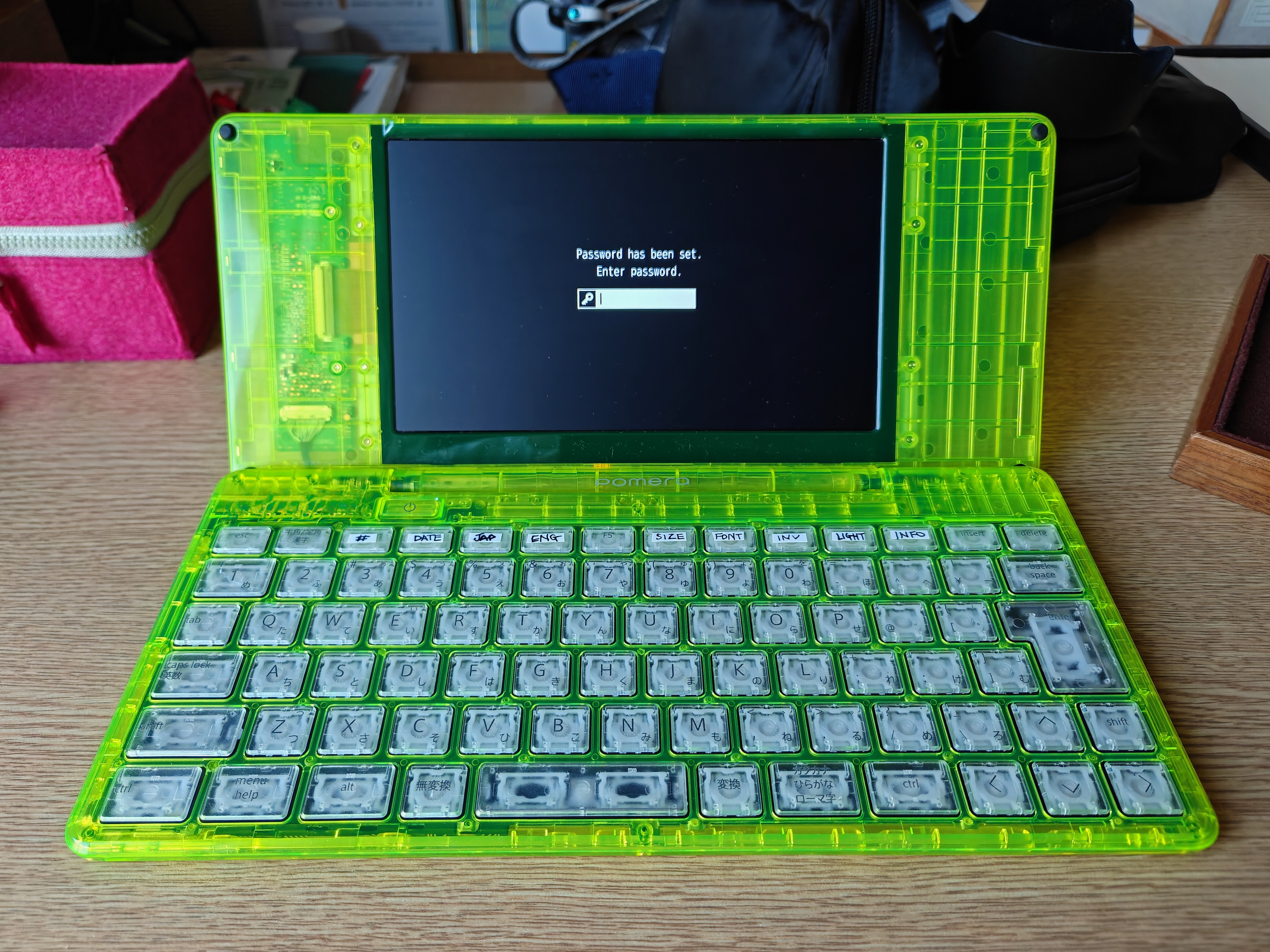
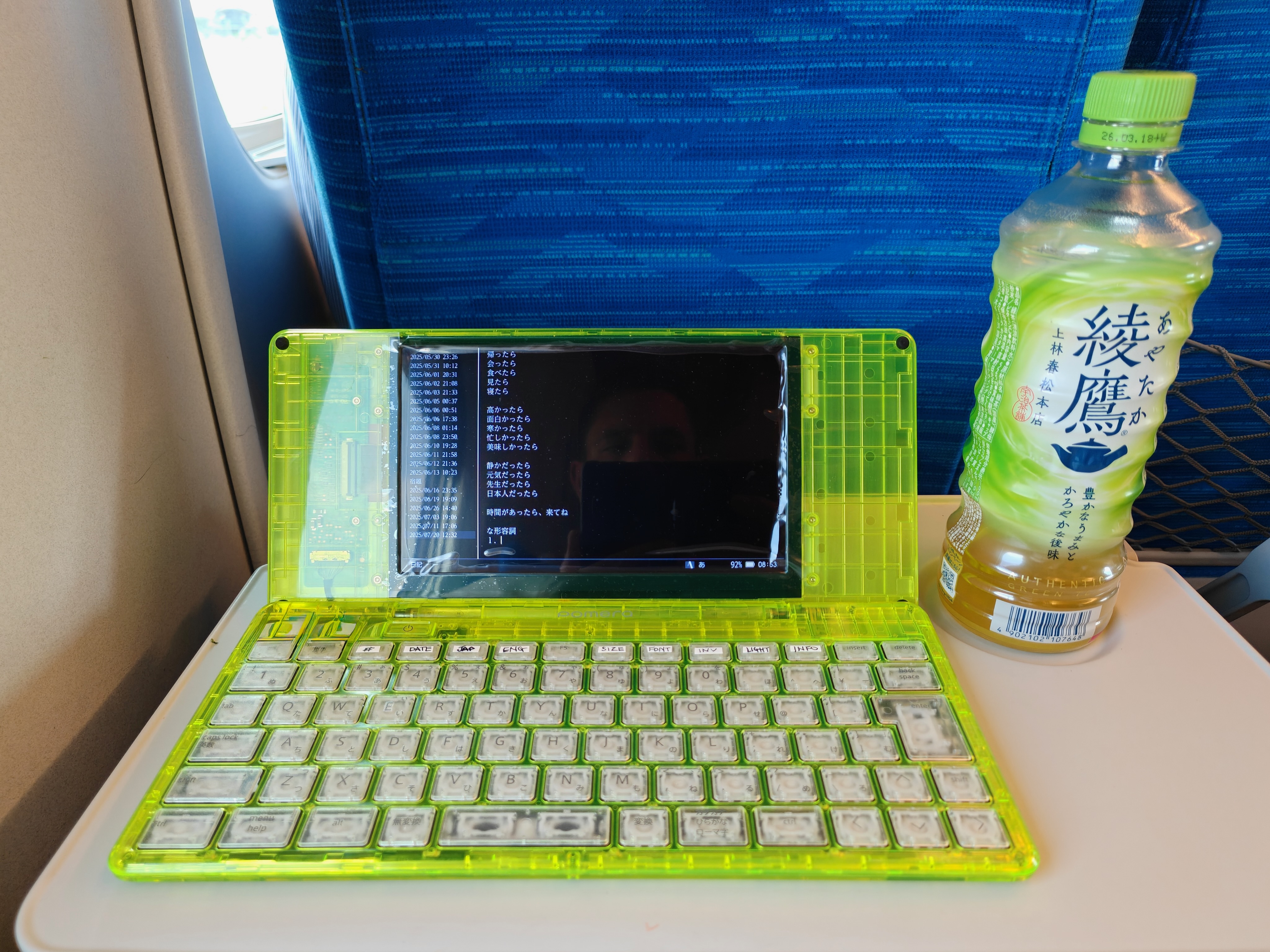
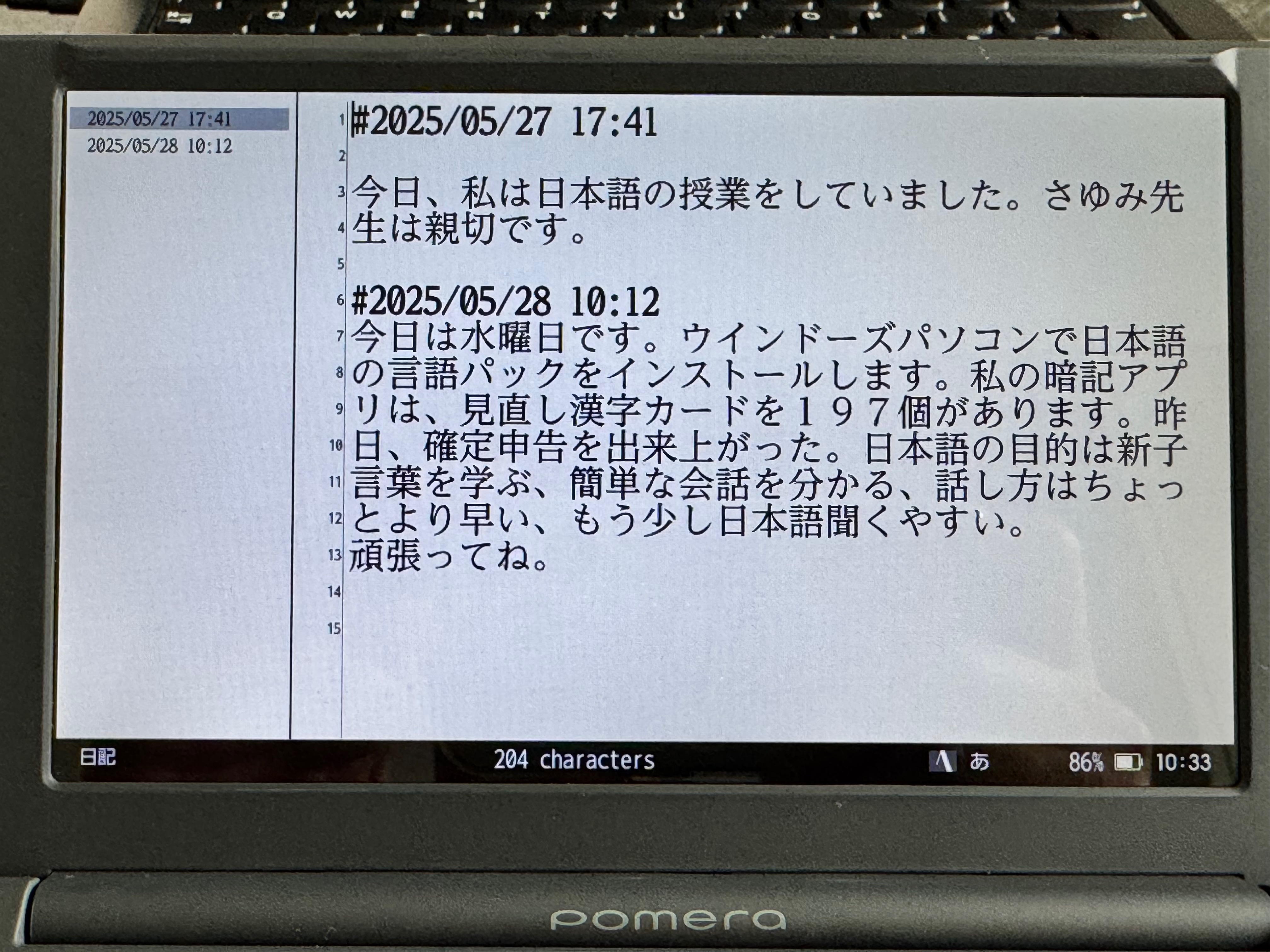
The Pomera DM250 is one of those tools that earns its place by removing things. No browser, no email, no Slack. Just a keyboard, a screen, and a folding chassis that fits in any bag. I bought mine to write without the plague of notifications afflicting my my laptop or other writing devices. I also bought it as a Japanese dictionary; to practice Japanese but also to journal in Japanese.
The friction comes later, when the words need to get from the SD card into Obsidian. Pomera writes plain text with a UTF-8 BOM and Windows line endings, drops files into whatever folder you last used, and otherwise stays out of the way. Useful on the device. Mildly annoying on the Mac.
Here is the pipeline I settled on. A single shell script, run when the SD card is plugged in, that handles the BOM, the line endings, the rename to .md, and the move into the Obsidian inbox. The original files get archived rather than deleted, in case I want to dig back through what was on which card.
Step 1: One folder on the SD card
On the Pomera, I save everything into a single folder called inbox on the SD card. No date folders, no project folders, no clever taxonomy. The device is for writing. The filing happens on the Mac.
The DM250 remembers the last folder you used, so you set this once and forget it.
Step 2: The import script
This lives at ~/bin/pomera-import.sh:
#!/bin/bash
set -euo pipefail

POMERA_INBOX="/Volumes/POMERA/inbox"
OBSIDIAN_INBOX="/Users/maru/Library/CloudStorage/Dropbox/brain2/00 Inbox"
ARCHIVE="$HOME/Documents/Pomera Archive"

mkdir -p "$OBSIDIAN_INBOX" "$ARCHIVE"

if [ ! -d "$POMERA_INBOX" ]; then
  echo "Pomera SD card not mounted at $POMERA_INBOX"
  exit 1
fi

shopt -s nullglob
for f in "$POMERA_INBOX"/*.txt; do
  base=$(basename "$f" .txt)
  mod_date=$(date -r "$f" +%Y-%m-%d)
  target="$OBSIDIAN_INBOX/${mod_date} ${base}.md"
  sed $'1s/^\xef\xbb\xbf//' "$f" | tr -d '\r' > "$target"
  mv "$f" "$ARCHIVE/"
  echo "Imported: ${mod_date} ${base}.md"
done
Three things are happening here:
sed $'1s/^\xef\xbb\xbf//'strips the UTF-8 BOM from the first line. Obsidian tolerates the BOM, but some plugins choke on it and the leading byte sequence can show up as invisible whitespace in weird places.tr -d '\r'converts CRLF line endings to LF. The Pomera writes Windows line endings by default. Obsidian copes with both, but mixed line endings inside a vault cause real problems when you start grepping or scripting.- The file gets renamed to
.mdand prefixed with the modification date, so Obsidian picks it up as a markdown note and the inbox stays chronological.
The original .txt file moves to ~/Documents/Pomera Archive/ so the SD card stays clean for the next session, and you have a safety net if anything ever goes wrong with the import.
Make it executable:
chmod +x ~/bin/pomera-import.sh
Step 3: Run it when the card is mounted
The simplest option is to just run the script manually after plugging the card in. One command, no magic. If you want it automatic, a Folder Action via Automator, or a Shortcuts trigger on volume mount, both work. I leave mine manual because the cognitive overhead of “did it work?” with an automated trigger is higher than just typing pomera-import and watching it print the filenames.
What to write on the Pomera itself
This is the part I wish someone had told me earlier. The DM250 is a plain text editor, but plain text is enough to make Obsidian behave nicely on the other end, if you write with the destination in mind.
The conventions I use:
Frontmatter. You can type YAML frontmatter on the Pomera and Obsidian will pick it up:
Useful for tagging files by project as you write, while the context is still fresh.
Inline tags. Easier than frontmatter when you are freewriting. #japanese, #blog-draft, #raytech, sprinkled into the text wherever they make sense.
Headings. #, ##, ###. They are not visible structure on the Pomera, but they render as the spine of the document the moment it lands in Obsidian.
Tasks. - [ ] thing to do translates straight into the Tasks plugin format. Handy for capturing follow-ups inside a writing session without breaking out of flow.
Wikilinks. [[some other note]] works, but I tend to skip these on the Pomera. Linking properly requires remembering exact note titles, which is exactly the kind of context-switching the Pomera is meant to prevent. Add links during triage in Obsidian.
The template I now type at the top of every Pomera session, in about three seconds:
By the time the file reaches Obsidian, it is already tagged, already has a heading waiting, and is ready to either become a real note or get expanded into something longer.
Is it worth it?
The pipeline took maybe an hour to set up, including the script, the folder structure, and figuring out the right BOM-stripping incantation. After that, every Pomera-to-Obsidian round trip costs me one shell command. The writing happens on the device, the filing happens on the Mac, and nothing important lives on the SD card for longer than a session.
The thing I underestimated was how much the markdown conventions matter. Treating the Pomera as the start of an Obsidian note rather than as a separate text-file world has made the whole loop feel like one workflow rather than two. The tags and the heading do most of the heavy lifting.
If you have a DM250 and an Obsidian vault and you have been moving files around by hand, an hour spent on this is the kind of small tooling investment that quietly pays itself back every week.
Enjoyed this post? Get in touch.