<?xml version="1.0" encoding="utf-8"?><feed xmlns="http://www.w3.org/2005/Atom" ><generator uri="https://jekyllrb.com/" version="3.10.0">Jekyll</generator><link href="https://kuroshi.net/feed.xml" rel="self" type="application/atom+xml" /><link href="https://kuroshi.net/" rel="alternate" type="text/html" /><updated>2026-05-05T10:42:32+00:00</updated><id>https://kuroshi.net/feed.xml</id><title type="html">黒潮</title><subtitle>Tech, photos, and ramblings</subtitle><entry><title type="html">Running Omarchy in a VM on the M4 MacBook Air</title><link href="https://kuroshi.net/blog/2026/04/19/omarchy-vmware-m4-air.html" rel="alternate" type="text/html" title="Running Omarchy in a VM on the M4 MacBook Air" /><published>2026-04-19T00:00:00+00:00</published><updated>2026-04-19T00:00:00+00:00</updated><id>https://kuroshi.net/blog/2026/04/19/omarchy-vmware-m4-air</id><content type="html" xml:base="https://kuroshi.net/blog/2026/04/19/omarchy-vmware-m4-air.html"><![CDATA[<p>If you’ve read my post about <a href="https://kuroshi.net/blog/2026/04/17/omarchy-macbook-12/">running Omarchy on the MacBook 12”</a>, you’ll know I’ve been going fairly deep on this. The M4 MacBook Air is the other machine in my fleet where I wanted to explore Omarchy — not natively (it’s my primary macOS machine, and I’m not wiping it), but in a VM. Specifically, VMware Fusion, which is free for personal use and handles Apple Silicon guests well.</p>

<p>This is a quick step-by-step of what I did, including the aarch64 Dropbox problem and how I got around it.</p>

<hr />

<h2 id="why-bother-with-a-vm">Why bother with a VM?</h2>

<p>Honestly, as a playground more than anything. I want to iterate on Omarchy configs — Hyprland keybindings, dotfiles, theme tweaks — without risking my working setups on the ThinkPad or the Esprimo. A VM is disposable. Break it, nuke it, start again.</p>

<p>That said, I also wanted to get Obsidian running with my actual vault synced via Dropbox. So it’s not purely experimental — it’s a sandboxed environment that still connects to real data.</p>

<hr />
<p><img src="/assets/images/IMG20260418124652.jpg" alt="" /></p>
<h2 id="step-1-install-vmware-fusion">Step 1: Install VMware Fusion</h2>

<p>VMware Fusion is free for personal use. Download it from <a href="https://www.vmware.com/products/desktop-hypervisor/workstation-and-fusion">broadcom.com</a>. You’ll need a Broadcom account, which is mildly annoying, but it’s a one-time thing.</p>

<hr />

<h2 id="step-2-get-the-omarchy-iso">Step 2: Get the Omarchy ISO</h2>

<p>Head to <a href="https://omarchy.org">omarchy.org</a> and grab the ISO. Drop it somewhere sensible on your Mac.</p>

<p>Create a new VM in Fusion, point it at the ISO, give it a reasonable allocation — I went with 4 cores, 8GB RAM, 60GB disk. On an M4 Air with 24GB that’s comfortable.</p>

<p>The installer is straightforward. Omarchy only supports being the sole OS on a machine, so the VM disk gets wiped entirely, which is fine — it’s a VM.</p>

<hr />

<h2 id="step-3-post-install-basics">Step 3: Post-install basics</h2>

<p>Once you’re in, get SSH running so you can drive the VM from your Mac terminal rather than the Fusion window:</p>

<div class="language-bash highlighter-rouge"><div class="highlight"><pre class="highlight"><code><span class="nb">sudo </span>systemctl <span class="nb">enable</span> <span class="nt">--now</span> sshd
</code></pre></div></div>

<p>Get the VM’s IP:</p>

<div class="language-bash highlighter-rouge"><div class="highlight"><pre class="highlight"><code>ip addr
</code></pre></div></div>

<p>Then from your Mac:</p>

<div class="language-bash highlighter-rouge"><div class="highlight"><pre class="highlight"><code>ssh yourusername@192.168.x.x
</code></pre></div></div>

<p>Much more comfortable. You can also use Tailscale here if you want the VM accessible on your Tailnet, though for a local VM it’s optional.</p>

<hr />
<p><img src="/assets/images/IMG20260418130352.jpg" alt="" /></p>
<h2 id="step-4-the-dropbox-problem-on-aarch64">Step 4: The Dropbox problem on aarch64</h2>

<p>Here’s where it gets interesting. The M4 Air is ARM — aarch64 — and Dropbox has never shipped a Linux client for ARM. If you try to install the official client, it simply doesn’t exist for your architecture.</p>

<p>The solution is <strong>Maestral</strong> — an open-source Dropbox client written in Python that talks directly to the Dropbox API. Because it’s pure Python, it runs fine on aarch64. Crucially, it also doesn’t increment your Dropbox device count the way the official client does, which matters if you’re on the free tier.</p>

<p>Install it via yay:</p>

<div class="language-bash highlighter-rouge"><div class="highlight"><pre class="highlight"><code>yay <span class="nt">-S</span> maestral
</code></pre></div></div>

<p>If you hit a mirror 404 during installation (I did — <code class="language-plaintext highlighter-rouge">python-sphinx_rtd_theme</code> failed), just refresh your mirrors first:</p>

<div class="language-bash highlighter-rouge"><div class="highlight"><pre class="highlight"><code><span class="nb">sudo </span>pacman <span class="nt">-Sy</span>
</code></pre></div></div>

<p>Then retry. It’ll pull in a bunch of Python dependencies but it installs cleanly.</p>

<hr />

<h2 id="step-5-link-maestral-to-your-dropbox-account">Step 5: Link Maestral to your Dropbox account</h2>

<div class="language-bash highlighter-rouge"><div class="highlight"><pre class="highlight"><code>maestral auth <span class="nb">link</span>
</code></pre></div></div>

<p>Choose to print the auth URL to console, open it in any browser (your Mac browser is fine), log into Dropbox, authorise the app, and paste the token back into the terminal.</p>

<div class="language-bash highlighter-rouge"><div class="highlight"><pre class="highlight"><code>✓ Linked to yourname@email.com
</code></pre></div></div>

<hr />

<h2 id="step-6-selective-sync">Step 6: Selective sync</h2>

<p>Rather than syncing your entire Dropbox, you can choose specific folders. This matters if you’re on the free tier with limited space, or just don’t want everything on a VM.</p>

<div class="language-bash highlighter-rouge"><div class="highlight"><pre class="highlight"><code>maestral start
</code></pre></div></div>

<p>It’ll ask where to put the local Dropbox folder (the default is fine), then ask if you want to sync everything. Say <strong>No</strong>, and you’ll get an interactive list where you can pick just the folders you want — in my case, <code class="language-plaintext highlighter-rouge">brain2</code>, which is my Obsidian vault.</p>

<p>Use arrow keys to navigate, <code class="language-plaintext highlighter-rouge">→</code> to select a folder, then confirm. Maestral starts syncing immediately.</p>

<p>Check status anytime with:</p>

<div class="language-bash highlighter-rouge"><div class="highlight"><pre class="highlight"><code>maestral status
</code></pre></div></div>

<p>To make it start on boot:</p>

<div class="language-bash highlighter-rouge"><div class="highlight"><pre class="highlight"><code>maestral autostart <span class="nb">enable</span>
</code></pre></div></div>

<hr />

<h2 id="step-7-obsidian">Step 7: Obsidian</h2>

<p>Install Obsidian via the AUR:</p>

<div class="language-bash highlighter-rouge"><div class="highlight"><pre class="highlight"><code>yay <span class="nt">-S</span> obsidian
</code></pre></div></div>

<p>Point it at your synced vault folder inside <code class="language-plaintext highlighter-rouge">~/Dropbox/brain2</code> (or wherever Maestral put it). That’s it — your vault is live.</p>

<hr />

<p><img src="/assets/images/2026-04-19-omarchy-m4.jpg" alt="" /></p>

<h2 id="is-it-worth-it">Is it worth it?</h2>

<p>As a tinkering sandbox: yes, absolutely. Omarchy in a VM on the M4 Air is a genuinely nice way to experiment with configs before pushing them to your real machines. The performance is good — the M4 chip makes light work of an aarch64 Linux VM.</p>
<p>As a daily work environment: probably not. One screen, VM overhead, and the occasional friction of running inside Fusion rather than natively all add up. When I want to actually work in Omarchy, I go to the ThinkPad or the Esprimo.</p>

<p>But as a playground that syncs to your real data? It works, and the Maestral workaround is clean enough that I’ll keep it around.</p>

<hr />

<p><em>Running Omarchy on: ThinkPad T480s, Fujitsu Esprimo Q556, MacBook Retina 12” 2017, and in VMware Fusion on the M4 Air.</em></p>]]></content><author><name></name></author><category term="blog" /><category term="linux" /><category term="omarchy" /><category term="macbook" /><category term="vmware" /><category term="technology" /><summary type="html"><![CDATA[The official Dropbox client doesn't exist on aarch64. Maestral does. A quick guide to getting Omarchy running in VMware Fusion on Apple Silicon, with working Dropbox sync.]]></summary></entry><entry><title type="html">旅 — Running Omarchy on the MacBook 12”</title><link href="https://kuroshi.net/blog/2026/04/17/omarchy-macbook-12.html" rel="alternate" type="text/html" title="旅 — Running Omarchy on the MacBook 12”" /><published>2026-04-17T00:00:00+00:00</published><updated>2026-04-17T00:00:00+00:00</updated><id>https://kuroshi.net/blog/2026/04/17/omarchy-macbook-12</id><content type="html" xml:base="https://kuroshi.net/blog/2026/04/17/omarchy-macbook-12.html"><![CDATA[<p>I have a small fleet of computers. There’s my used-but-new M4 MacBook Air from Tokyo, which does everything effortlessly and makes me feel slightly guilty for how little I push it. There’s my ThinkPad T480s running Omarchy as my primary Linux driver. There’s an M1 Mac Mini I now use as a server, and my old Intel Mac Mini from 2014 as another. And there’s the Fujitsu Esprimo Q556 sitting on my desk, also running Omarchy, handling the more grunt-work things that I don’t want warming my lap.</p>
<p>I’ve been a Mac user since 2003, when I purchased an iBook G4 so I could make better use of my new iPod 3rd Gen. I’ve always been a Windows user in some capacity; either research instruments used Windows (XP, Vista, 7) or my venture into Windows Mobile with the <a href="https://kuroshi.net/review/2013/07/30/nokia-lumia-920-review.html">Nokia Lumia</a>, and then using Windows 10 at work over the last years. But I’ve always had my own personal Mac.</p>

<p>At one point I did try installing Ubuntu onto a mobile phone, with the idea of plugging it into a screen and having a single computer/phone for everything. This must have been in 09. Basically, it was a bit shit, and my experience of using Linux (though Ubuntu) was that I did not like the UI whatsoever. I was a Mac user, and OSX (at the time) was so polished. I basically never even thought about Linux again, and instead, used brew on Mac for some Unix-commands and stuff. I do have a couple of retro/old devices that I have installed AntiX onto (a Linux distribution), but that is for another day.</p>

<p>I got the aforementioned M4 Air in Tokyo, with Japanese keyboard, 24GB RAM and 512GB SSD for a decent price. It’s a great machine. I am using it right now. The issue is, that I learned about a fun new Linux setup a few days after buying it. It’s not actually a distribution of Linux, but rather an “opinionated” Arch Linux setup running Hyprland, called <a href="https://omarchy.org">Omarchy</a>. It’s by <a href="https://dhh.dk/">DHH</a>; of Le Mans and Ruby on Rails fame. I went through the pain of installing it as a dual boot on my Thinkpad to test it out. Loved it, and within the same afternoon I overwrote Windows 11 and it is now a pure Linux machine. The ThinkPad is a joy to use with it. The Fujitsu is a stalwart. But both are desk machines, more or less.</p>

<p>Then there’s <code class="language-plaintext highlighter-rouge">tabi</code>.</p>

<hr />

<p><img src="/assets/images/img-2026-04-17-03.jpg" alt="tabi" /></p>

<p>Tabi is a MacBook Retina 12-inch from 2017. You’ll know the one—the impossibly thin fanless machine with the single USB-C port and the butterfly keyboard that everyone hated (mine still works, somehow). It has an Intel Core i5-7Y54, 8GB RAM, and a 256GB SSD. Once upon a time, I did have a 16GB i7 machine, but sold it long ago, as I decided I was using my iPad Pro more. In fact, I wrote about the iPad <a href="https://kuroshi.net/reviews/ipad-pro-review-105/">here</a>, though it’s a bit long-winded and kiss-ass, in retrospect. I’ve since completely ditched the iPad life and haven’t looked back once.</p>

<p>Apple dropped support for the 12-inch MacBook years ago, and it had been running macOS Ventura, and for a while I used to unlock it with my Apple Watch and aside from chugging along, the machien worked well. It was a tough decision to wipe it entirely.</p>

<p>The name <code class="language-plaintext highlighter-rouge">tabi</code> (旅) means journey or travel in Japanese—fitting for a machine intended to live in a bag and be grabbed when going somewhere. It’s smaller than the newly released MacBook Neo, and as I already have an M4 Air that is the most powerful machine in my arsenal, the MacBook gathered dust.</p>

<p>The motivation was simple: I have the M4 Air for serious macOS work. I don’t need a second macOS machine. What I <em>do</em> want is a featherlight ultraportable I can take anywhere, flip open, and SSH into my home machines via Tailscale. Omarchy is essentially perfect for this—it’s a keyboard-driven environment running almost nothing at idle. On a 7W TDP chip with no fans, that’s the dream.</p>

<h2 id="getting-it-running">Getting it running</h2>

<p><img src="/assets/images/img-2026-04-17-02.jpg" alt="tabi" /></p>

<p>The MacBook 12” is a no-T2-chip machine, which makes Linux installation relatively straightforward compared to the later Intel MacBooks. There’s no security chip fighting you. I downloaded the Omarchy ISO from <a href="https://omarchy.org">omarchy.org</a>, dropped it onto my Ventoy drive (no reflashing needed—just copy the ISO across), and booted holding Option at startup.</p>

<p>The installer wiped the drive—Omarchy only supports officially being the sole OS, which I knew going in—and everything went largely without drama. First boot: keyboard worked. WiFi connected. This is already better than I expected.</p>

<p>A few post-install fixes specific to the 12” were needed, documented <a href="https://stallmer.xyz/digital-garden/running-linux-on-a-12-inch-mac-book">here by someone who’d done the same</a>:</p>

<p><strong>NVMe sleep fix.</strong> Without this, closing the lid can leave the machine in a bad state on wake. A small systemd service writing <code class="language-plaintext highlighter-rouge">0</code> to the d3cold_allowed sysfs path for the NVMe controller sorts it.</p>

<p><strong>Suspend on lid close.</strong> Works via the standard Omarchy suspend setup once enabled under the System menu.</p>

<p>I pulled my dotfiles from GitHub (private repo—needed a personal access token rather than a password, which caught me off guard for a moment), ran <code class="language-plaintext highlighter-rouge">install.sh</code>, and had my GB keyboard layout, Hyprland bindings, Starship prompt, and Batou theme all in place within minutes. I named the machine <code class="language-plaintext highlighter-rouge">tabi</code> in the Omarchy setup, which I was perhaps unreasonably pleased about.</p>

<h2 id="tailscale">Tailscale</h2>

<p>This was the main event, really. I wanted <code class="language-plaintext highlighter-rouge">tabi</code> to be able to SSH into any of my machines from anywhere—hotel, café, airport, wherever. This is actually a big deal for me in 2026. I use AI agents (mostly LLMs, truth be told) near-daily. But I dont use chat apps on my phone much. Rather, I can SSH (remote connect) to my home-network machines from anywhere, and run things locally on those machines. This is useful if for example, I want Claude to run in a specific directly, so it can create, delete, edit files that are on a specific drive. It means, I can “run” Claude on this tiny machine, without installing Claude. I just login to my home M1 Mini or M4 Air, and get going.</p>

<p>Tailscale made this embarrassingly simple. Install on tabi:</p>

<div class="language-bash highlighter-rouge"><div class="highlight"><pre class="highlight"><code><span class="nb">sudo </span>pacman <span class="nt">-S</span> tailscale
<span class="nb">sudo </span>systemctl <span class="nb">enable</span> <span class="nt">--now</span> tailscaled
<span class="nb">sudo </span>tailscale up
</code></pre></div></div>

<p>Authenticate via browser on another machine, and that’s it. Tabi joined my Tailnet alongside <code class="language-plaintext highlighter-rouge">M4 Air</code>, <code class="language-plaintext highlighter-rouge">M1 Mini</code>, the Esprimo, and my the Thinkpad. Now I can <code class="language-plaintext highlighter-rouge">ssh user@m1mini</code> from anywhere in the world. It’s genuinely magic, and I’ll never stop being pleased that it just works.</p>

<p>SSH itself on tabi: <code class="language-plaintext highlighter-rouge">sudo systemctl enable --now sshd</code>, and it’s accessible from the rest of the fleet too.</p>

<h2 id="what-works-well">What works well</h2>

<p>Essentially everything you’d want from a portable terminal machine:</p>

<ul>
  <li>Keyboard and trackpad: fine, no fixes needed</li>
  <li>WiFi: works out of the box (Broadcom, so some power management caveats, more on this later)</li>
  <li>Display: the 2304×1440 Retina panel is gorgeous, and Hyprland handles HiDPI well</li>
  <li>Battery: reasonable—the 7W chip helps, and with powertop and power-profiles-daemon the idle draw is very low. Not Ventura-level, but acceptable</li>
  <li>Suspend/resume: solid, including lid close</li>
</ul>

<h2 id="what-doesnt-work">What doesn’t work</h2>

<p><strong>Audio.</strong> This is the one. The CS4208 Cirrus Logic codec in the 12” MacBook is a notorious problem on Linux. There are several community driver forks—I tried <a href="https://github.com/leifliddy/macbook12-audio-driver">leifliddy’s</a> and <a href="https://github.com/juicecultus/macbook12-audio-driver">juicecultus’s</a> fork which builds on kernel 6.17+. The driver loads, PipeWire sees the sink, the audio stream runs—but no sound comes out, from speakers or headphone jack.</p>

<p>The root cause, as best I can tell: the driver is reporting the codec subsystem ID as <code class="language-plaintext highlighter-rouge">106b:0000</code> when the actual ID is <code class="language-plaintext highlighter-rouge">106b:6600</code> (the MacBook10,1 2017 identifier). This prevents the correct fixup (<code class="language-plaintext highlighter-rouge">MBA6</code>) from being applied, which means the speaker amp never gets activated. I got as far as patching the quirk table in the driver source to add an entry for <code class="language-plaintext highlighter-rouge">106b:6600</code>, but the ID mismatch happens at a lower level and the patch didn’t help. This is a driver bug that needs proper kernel development attention.</p>

<p>If audio matters to you, this isn’t the machine to try Linux on right now. For my use case—SSH terminal—it makes no difference.</p>

<p><strong>Camera.</strong> The FaceTime HD camera requires the <code class="language-plaintext highlighter-rouge">facetimehd</code> driver from AUR (<code class="language-plaintext highlighter-rouge">facetimehd-dkms</code>). It does install, the camera light comes on, but I haven’t gotten a clean preview out of it yet. Low priority.</p>

<h2 id="a-note-on-tailscale-and-wifi">A note on Tailscale and WiFi</h2>

<p>One gotcha worth noting for anyone following a similar path: if you run <code class="language-plaintext highlighter-rouge">powertop --auto-tune</code>, it will aggressively set your Broadcom WiFi PCI device to <code class="language-plaintext highlighter-rouge">auto</code> power management, which can break WiFi entirely—leaving you with no network and a machine you’re typing on with no SSH fallback. The fix is:</p>

<div class="language-bash highlighter-rouge"><div class="highlight"><pre class="highlight"><code><span class="nb">echo </span>on | <span class="nb">sudo tee</span> /sys/bus/pci/devices/0000:03:00.0/power/control
<span class="nb">echo </span>on | <span class="nb">sudo tee</span> /sys/bus/pci/devices/0000:02:00.0/power/control
</code></pre></div></div>

<p>I’ve pinned this with a systemd service so it survives reboots. Learn from my mistake.</p>

<h2 id="is-it-worth-it">Is it worth it?</h2>

<p>For me, yes. <code class="language-plaintext highlighter-rouge">tabi</code> is a lovely machine to carry around. Under 1kg, silent, great screen, and now it does exactly one job extremely well: give me a terminal with access to everything else. The fact that it was sitting in a drawer running an unsupported macOS install made the decision easy.</p>

<p>If you have one of these gathering dust and you’re comfortable with a bit of post-install tinkering, Omarchy runs well on it. The keyboard fix is now apparently handled automatically in recent Omarchy versions, so your mileage may vary—it may just work out of the box.</p>

<p>The audio situation will hopefully improve as the kernel community continues working on the CS4208 driver. If you solve it before I do, I’d genuinely love to know.</p>

<p><img src="/assets/images/img-2026-04-17-04.jpg" alt="tabi" /></p>

<hr />

<p><em>Running Omarchy on: ThinkPad T480s, Fujitsu Esprimo Q556, MacBook Retina 12” 2017, and in VMware Fusion on the M4 Air.</em></p>]]></content><author><name></name></author><category term="blog" /><category term="linux" /><category term="omarchy" /><category term="macbook" /><category term="thinkpad" /><category term="technology" /><summary type="html"><![CDATA[The little fanless MacBook that's been gathering dust gets a new lease of life as a portable Omarchy terminal. A write-up of what it took, what works, and what doesn't.]]></summary></entry><entry><title type="html">Do by doing</title><link href="https://kuroshi.net/blog/2026/04/16/do-by-doing.html" rel="alternate" type="text/html" title="Do by doing" /><published>2026-04-16T00:00:00+00:00</published><updated>2026-04-16T00:00:00+00:00</updated><id>https://kuroshi.net/blog/2026/04/16/do-by-doing</id><content type="html" xml:base="https://kuroshi.net/blog/2026/04/16/do-by-doing.html"><![CDATA[<p>I proposed, most recently, during a fascinating multi-faceted discussion with a Swedish AI engineer, the notion of “do by doing”. By this point, everyone has heard of <a href="https://en.wikipedia.org/wiki/Learning-by-doing">learning by doing</a>, or experiential learning—a student-centered approach where knowledge is acquired through active participation, experience, and direct engagement, rather than passive observation. I suggest that we should rather “do by doing” when it comes to realising our goals, aspirations, dreams… and how we interact with AI (specifically LLMs). To do by doing is to get the thing done, whatever it is, by doing what it takes. Don’t sit around and wonder about the best way to interact with your LLM. Don’t sit around watching YouTube videos on how to become fit, or how to cook the best meals, or how to play the guitar. No amount of video watching will teach me how to ski, ride a motorcycle, or learn a language.</p>

<p>My most recent personal example of this is from my Japanese studies, where I <a href="https://kuroshi.net/japanese/">learned 2,300 kanji within six months</a>. This is only possible by doing it. Sounds stupid, I know, but at its core, “do the thing by doing the thing” truly is the message I feel matters the most. To perfect something is to log more than 10,000 hours… doing it. Sure, you need to train to do it—by doing it.</p>

<p><img src="/assets/images/IMG20260327175835.jpg" alt="In progress" /></p>

<p>My photo from Watches and Wonders in Geneva yesterday, where JLC really do by doing. Here’s a <a href="https://www.youtube.com/watch?v=Q13qbjcOOP8">video of this magnificent watch</a>.</p>

<p><img src="/assets/images/IMG20260415162541.jpg" alt="JLC do by doing" /></p>

<p>It’s a harder pill to swallow than the more cossetted approaches of reading, watching videos, building yourself up… because it is that. It is the hard part. Doing something. Not thinking about it—doing it. Writing this post will only happen if I do it. Could it be better? Sure, probably. Would it be better if it sat in drafts for a year before I got around to making it “perfect”? No.</p>

<p>Do it.</p>]]></content><author><name></name></author><category term="blog" /><category term="philosophy" /><category term="learning" /><category term="productivity" /><category term="ai" /><category term="japanese" /><summary type="html"><![CDATA[Don't sit around wondering about the best way to do the thing. Do the thing.]]></summary></entry><entry><title type="html">Marching on</title><link href="https://kuroshi.net/blog/2026/03/08/marching-on.html" rel="alternate" type="text/html" title="Marching on" /><published>2026-03-08T00:00:00+00:00</published><updated>2026-03-08T00:00:00+00:00</updated><id>https://kuroshi.net/blog/2026/03/08/marching-on</id><content type="html" xml:base="https://kuroshi.net/blog/2026/03/08/marching-on.html"><![CDATA[<p>March is underway, February is but a memory.</p>

<p>Two photos for today; first is the door into the lake, that really caught my eye when I was out for a walk. It’s not gold, but looked it during this sunset.</p>

<p>The second image is a preview of my latest bit of code, which is an E85 fuel finder for Switzerland:</p>

<p><img src="/assets/images/IMG20260302120721.jpg" alt="Latest image 2" /></p>

<p>I had to write this as Google searches only turn up very old information, and even the websites of the fuel suppliers themselves, have broken search ability.</p>

<p>You can find the app <a href="/octane.html">here</a>.</p>

<p>Last update for now, is that I am running Linux as my main computer now. I’ll certianly go into this a lot more, but until then, you can enjoy my screensaver:</p>

<video controls="" style="max-width: 100%; height: auto;">
  <source src="/assets/videos/screensaver_240p.mp4" type="video/mp4" />
  Your browser does not support the video tag.
</video>

<p>Until soon.</p>]]></content><author><name></name></author><category term="blog" /><category term="e85" /><category term="linux" /><category term="photo" /><category term="swiss" /><summary type="html"><![CDATA[Enter the new month.]]></summary></entry><entry><title type="html">Migrating the Site URL and Domain</title><link href="https://kuroshi.net/blog/2026/02/24/migrating-the-site-url-and-domain.html" rel="alternate" type="text/html" title="Migrating the Site URL and Domain" /><published>2026-02-24T00:00:00+00:00</published><updated>2026-02-24T00:00:00+00:00</updated><id>https://kuroshi.net/blog/2026/02/24/migrating-the-site-url-and-domain</id><content type="html" xml:base="https://kuroshi.net/blog/2026/02/24/migrating-the-site-url-and-domain.html"><![CDATA[<p>This is a quick post from the backend trenches. I’m currently migrating the site URL and domain, which is a little like moving house, which I also did 3 weeks ago IRL. Thanks for your patience during this transition; I appreciate you sticking around, and for dropping me an email when things get weird.</p>

<p>Dropping a photo in, more for testing purposes than anything else.</p>]]></content><author><name></name></author><category term="blog" /><category term="test" /><summary type="html"><![CDATA[Kind of self explanatory, but I thank you for your patience and understanding.]]></summary></entry><entry><title type="html">The tide changes</title><link href="https://kuroshi.net/blog/2026/02/23/the-tide-changes.html" rel="alternate" type="text/html" title="The tide changes" /><published>2026-02-23T00:00:00+00:00</published><updated>2026-02-23T00:00:00+00:00</updated><id>https://kuroshi.net/blog/2026/02/23/the-tide-changes</id><content type="html" xml:base="https://kuroshi.net/blog/2026/02/23/the-tide-changes.html"><![CDATA[<p>At the end of last year, we were back in Japan to attend the wedding of one of my best friends. Though I was working, we also managed to get away for a couple of days and go skiing in the Japanese alps, which was fantastic. Some 50-70cm of snowfall (we were there right at the beginning of the season, so we were pretty lucky) and the weather was quite good (though pretty foggy, it was great fun).</p>

<p><img src="/assets/images/7CR09089_ILCE-7CR_Japan_Winter.jpg" alt="Japan Winter Photo" /></p>

<p>It was basically a 2-week trip and was sandwiched between other life events, so it kind of came and went.</p>

<p><img src="/assets/images/7CR09090_ILCE-7CR_Japan_Winter.jpg" alt="Japan Winter Photo" /></p>

<p><img src="/assets/images/7CR09094_ILCE-7CR_Japan_Winter.jpg" alt="Japan Winter Photo" /></p>

<p>In other news, I’ve peeled back even further several aspects of the site. Most notably, is the domain name (the address), which I changed from my personal name to something anonymous. Back when I started the blog, in 2010, I was an active user on Flickr and several other photographic communities online- DP-review, Google’s own social network; Google+, 500px, and probably a few others. They’ve all changed massively, or even died off altogether. Google killed their social network, which was actually kind of cool, but was hard to monetise… Flickr was sold to Yahoo and then Pro accounts left right and centre popped up and I just kind of did my own thing. I went with Squarespace, hosted all my photos on their CMS (content management service) and was a satisfied customer for over 10 years. I’ve another post detailing why I left Squarespace, but I had to laugh as this year Squarespace are running a Super Bowl commercial starring Emma Stone. Imagine how much that costs?! Well, that’s what you can do when you double your prices and get massive investor funding, I guess. You fuck over the people that built your brand, but you don’t care. It’s the process of enshittification, which is well documented online. Because I am not trying to sell you anything, I don’t need Squarespace’s e-commerce bloatware. I left them, and now host for free on Github. The next chapter to this saga, is that Google also hiked up their prices, mainly in the name of our new lovely friend AI. Or rather, the fact that everyone overspent on AI and now needs to scramble to make some money back. I bought my domain through GoDaddy with Google Workspace, which was then sold … to Squarespace! So I was back at Square[space] one. I killed the Workspace requirement as I don’t need a whole separate email account, Google Drive, and AI features. I make nothing from the website, and considering it is 100% human-writtean and human-taken content in the forms of my writing and photographs, I feel it’s acceptable for me to find cheap or cost-effective ways to keep it going. I don’t have any adverts on the site, and I don’t keep cookies of visitors for advertising purposes etc.  So, I killed it.</p>

<p><img src="/assets/images/7CR09095_ILCE-7CR_Japan_Winter.jpg" alt="Japan Winter Photo" /></p>

<p><img src="/assets/images/7CR09096_ILCE-7CR_Japan_Winter.jpg" alt="Japan Winter Photo" /></p>

<p>While I was at it, I decided to just kill the domain name. Using firstname.lastname.com was taken and has been for a number of years, with no-one using that domain for a site, which is sad. Adding “photography” as a prefix was nice, but made the url very long, and I want to do more here than just put up travel pics. So, I came up with a new domain name. Inspired by Cyberpunk and Ghost in The Shell as well as my life-in-Japan, I came up with “kuroshi”, which means “black tide” in Japanese. I wanted this to be a piece of the net, which changes so much year on year with everything happening on the web. I do prefer the old days of the web, before everything was commercialised, and before “the public” started writing on Facebook walls and joining this thing called Twitter. My Twitter account predates Elon Musk’s; but he is able to buy it and fuck it up, and I must just watch. Things were indeed better before they were ruined, but there are plenty of great blogs and interesting things going on, on the net. In Cyberpunk 2077 there is this notion of the Black Wall, a firewall to keep the rogue AIs out. Each month I think we’re getting closer to that. Right now, and AI will be crawling through my site and picking out text for its model. That’s fine. But I am me, and this is my kuroshi. It is a tide against the enshittification of the internet, and generally all digital services. It is a statement to listen to physical media again, to disconnect from your smartphone for SEVERAL HOURS, to pick up a standalone camera. To use an old computer, offline. To see technology as something helpful, not essential to our very existence.</p>

<p><img src="/assets/images/7CR09098_ILCE-7CR_Japan_Winter.jpg" alt="Japan Winter Photo" /></p>

<p>I discuss this topic with people more and more; how many things seem to be getting worse. And this isn’t just me getting older and thinking that things were better when I was a child (they were), or even just pre-Covid (they also were), but this is something different, linked to surveillance states, populist politics, little-to-no reasonable discourse, the sortening of tempers, the lack of civility and common manners, the increased selfishness, and the overall lack of excitement for the future. Perhaps China and India are the only nations with significant populations that are indeed looking forward to the future? I have no idea. I just observe Japan dwindling each year since 1990, being in stangnant economy and relying on the ever-weakening yen to support influxes of tourists. I see a Europe that has been navel-gazing since 2000, with the UK thinking that the US would return the favour unevquivocally for support in the Gulf War(s), 9/11’s WMD Iraq excursion, and Afghanistan 2.0. Instead, the UK left the EU, due to press showboating African migrants and reugees from the fallout of helping the US fuck the middle east. Germany has its head up its arse since WWII, worried about bad press and appearing to patriotic, they have given the country over to immigrants and now Deutsche Bahn employees are being beaten to death on trains by people without tickets. The less said about France, the better, and I can highlight the Land of the Free(TM) taking control of Venezuela to secure some juicy mineral deposits, distract from Epstein’s network of filth, oh, and turn on NATO co-members to take control of Greenland because it’ll be great to have some golf courses up there, and China and Russia might want it for a Cuban Missile Crisis sequel. There have often been wars and times of unrest, throughout most of humanity, I’m sure. Pax Eterna of Britannica and the British Empire is often hailed as 100 years of peace, and they did that without biometric ID and age-verification online to protect the children, because the parents have all but shirked all responsibility onto the state to raise their kids.</p>

<p><img src="/assets/images/7CR09103_ILCE-7CR_Japan_Winter.jpg" alt="Japan Winter Photo" /></p>

<p>I will continue to post photos, write about things that interest me, talk about basically 1995-2010 as something of a golden-era. I am writing this post on a netbook from 2010. Then iPads took over and phones became massive, and now there’s hardly any small tech. This netbook struggles with the modern web, because loading Reddit or The Guardian requires at least 500MB RAM and then there’s all the GPU or CPU resource needed to feed you ads.</p>

<p><img src="/assets/images/7CR09111_ILCE-7CR_Japan_Winter.jpg" alt="Japan Winter Photo" /></p>

<p><img src="/assets/images/7CR09124_ILCE-7CR_Japan_Winter.jpg" alt="Japan Winter Photo" /></p>

<p>Which can bring me on to something of a project focussed on e-waste, or at least that’s one way in which I am justifying my rampant eBay purchasing. I’m writing this post in terminal (so, like a code editor), on a Sony netbook from 2011. Specifically a Sony Vaio P with an Intel Atom processor and 2GB RAM. The SSD inside is only 64GB and is slower than today’s devices. I have Windows 7 Ultimate installed, which works surprisingly well. One issue is the high resolution of the screen and DPI scaling - fonts are tiny! I have installed Linux onto this device, specifically AntiX 32bit. It’s a very fast OS and the device is extremely usable. The main issue is that even though it has wifi (with a nice hardware toggle switch so I can be truly offline and save battery), the internet of 2026, as I mentioned before, is a RAM hog. So, even loading up google.com today takes a decent amount of time, let alone a typical website. I have my phone for web browsing, and the web is and always has been better for vertical content - and this is a very, very wide screen. Perfect for watching a video, which it can do nicely, if you use Windows. The battery lasts for about 3 hours and is the standard and original battery that came wth the device. It’s also neon-green, so that’s kind of cool. The nice thing is, for writing, I don’t need more than this. The keyboard is great for its size and I can touch type comfortably. I would like to pick up another one, perhaps in white or black, with the Z560 CPU and 128 or 256 GB of SSD space. They all came with 2GB RAM I believe, but the larger drive works faster and I could maybe do a bit more with it. Oh yes, it has an SD card reader and Memory Stick Duo reader at the front, a little track-point nub mouse like Thinkpads, as well as an optical mouse to the right of the screen. This is to be used with one’s thumb when holding the device almost like a tablet - the left and right click buttons are on the other side for the left thumb. This also works surprisingly well.</p>

<p><img src="/assets/images/7CR09151_ILCE-7CR_Japan_Winter.jpg" alt="Japan Winter Photo" /></p>

<p><img src="/assets/images/7CR09178_ILCE-7CR_Japan_Winter.jpg" alt="Japan Winter Photo" /></p>

<p>I appreciate that it makes little-to-no-sense posting at the end of February with photos taken at the beginning of summer</p>

<p><img src="/assets/images/7CR09259_ILCE-7CR_Japan_Winter.jpg" alt="Tanuki" /></p>

<p>The net is vast and infinite.</p>]]></content><author><name></name></author><category term="blog" /><category term="24mm" /><category term="90mm" /><category term="tokyo" /><category term="hakuba" /><summary type="html"><![CDATA[At the end of last year, we were back in Japan for a wedding and some skiing in the alps, but amidst the fun, I've been peeling back layers of my online presence—changing domains, ditching services, and reflecting on how the internet's gone to shit with enshittification and AI greed. Oh, and I'm writing this on a 2011 netbook because why not fight the tide?]]></summary></entry><entry><title type="html">Happy New Year</title><link href="https://kuroshi.net/blog/2026/01/04/happy-new-year.html" rel="alternate" type="text/html" title="Happy New Year" /><published>2026-01-04T00:00:00+00:00</published><updated>2026-01-04T00:00:00+00:00</updated><id>https://kuroshi.net/blog/2026/01/04/happy-new-year</id><content type="html" xml:base="https://kuroshi.net/blog/2026/01/04/happy-new-year.html"><![CDATA[<p><img src="/assets/images/7CR08699_ILCE-7CR_Japan_Summer.jpg" alt="Iriomote-jima, Japan" /></p>

<p>My last post was written in November and somewhat erroneously published on New Year’s Day (thanks to a computer switch and a GitHub sync mishap), but no harm done. It still holds up, and it makes for a fitting, if unplanned, start to the year.</p>

<p><img src="/assets/images/7CR08789_ILCE-7CR_Japan_Summer.jpg" alt="Iriomote-jima, Japan" /></p>

<p>I am writing this on a new MacBook Air with the M4 chip. It is exceptionally fast and replaces my M1 Mac mini, which is gradually moving into a more server-like role. The M1 is still a great machine, but its main limitation is obvious: it never leaves the desk. I do also have a 2015 12” MacBook Retina, but by modern standards it is severely underpowered. Even routine tasks like web browsing in 2025 were becoming unpleasant, largely due to ever-increasing RAM demands.</p>

<p><img src="/assets/images/7CR08853_ILCE-7CR_Japan_Summer.jpg" alt="Iriomote-jima, Japan" /></p>

<p>I opted for a Japanese keyboard, which I have not used in quite some time. The layout is much closer to UK than German, so touch typing feels natural, and the added hiragana legends are a nice bonus. The dedicated @ key is also surprisingly useful in everyday work.</p>

<p>With “only” a 512 GB internal SSD (but 24 GB of RAM), I keep a Samsung SSD attached via Thunderbolt to store photos and other large files. It has been a long time since a laptop was my primary machine, so it will be interesting to see how habits change. Battery longevity and always-plugged-in usage used to worry me, but modern power management seems to have largely solved those concerns.</p>

<p><img src="/assets/images/7CR08880_ILCE-7CR_Japan_Summer.jpg" alt="Iriomote-jima, Japan" /></p>

<p><img src="/assets/images/7CR08885_ILCE-7CR_Japan_Summer.jpg" alt="Iriomote-jima, Japan" /></p>

<p><img src="/assets/images/7CR08923_ILCE-7CR_Japan_Summer.jpg" alt="Iriomote-jima, Japan" /></p>

<p>The photographs here are from the tail end of our summer trip to Japan, visiting Iriomote-jima and Ishigaki-jima, the south-westernmost islands of the country, just off Taiwan.</p>

<p>All images were taken with the Sigma 90 mm F2.8 DN. It is compact, well built, and focuses quickly. A 20 / 35 / 90 trio feels like it could be a very satisfying fast-prime setup. That said, a couple of years ago I bought my first full-frame zoom, the 20–70 mm F4. It is easily sharp enough, and in most situations F4 on full frame is perfectly adequate—if it gets dark, ISO is there to be used. What you cannot change is depth of field. F4 gives a clear “large camera” look, but it is not the same as shooting at F2 or even F2.8.</p>

<p>Tomorrow is the 5th, when many of us return to work after the winter break (myself included).</p>

<p>Wishing you all a good start to 2026, good health, and good times.</p>

<p><img src="/assets/images/7CR09002_ILCE-7CR_Japan_Summer.jpg" alt="Iriomote-jima, Japan" /></p>]]></content><author><name></name></author><category term="blog" /><category term="90mm" /><category term="iriomote" /><summary type="html"><![CDATA[A quiet start to 2026, new hardware on the desk, and the last frames from a summer trip to Iriomote-jima and Ishigaki-jima, shot with a new 90mm lens.]]></summary></entry><entry><title type="html">Another One Bites the Dust: The Slow Death of the Free Internet</title><link href="https://kuroshi.net/blog/2026/01/01/The-Slow-Death-of-the-Free-Internet.html" rel="alternate" type="text/html" title="Another One Bites the Dust: The Slow Death of the Free Internet" /><published>2026-01-01T00:00:00+00:00</published><updated>2026-01-01T00:00:00+00:00</updated><id>https://kuroshi.net/blog/2026/01/01/The%20Slow%20Death%20of%20the%20Free%20Internet</id><content type="html" xml:base="https://kuroshi.net/blog/2026/01/01/The-Slow-Death-of-the-Free-Internet.html"><![CDATA[<p>I was thinking about Flickr the other day. Remember Flickr? For a long time, it was the place for photographers. Not just a hosting service, but a community. You could discover incredible work, get feedback, and simply exist as a creative person without being constantly sold something. It felt like a cornerstone of a golden age of the internet.</p>

<p><img src="/assets/images/DSC7580.jpg" alt="woods" /></p>

<p>Flickr launched in 2004, and for about 14 years, it ran on a simple, honest premise. You got a generous amount of free storage, and in return, they might show you an ad. Fair enough. It was a utility, a public square. It worked.</p>

<p>Then, in 2018, SmugMug bought it, and the walls started closing in. The “free” tier was gutted—limited to a paltry 1,000 photos. Just like that, 14 years of digital goodwill evaporated. What was once a vibrant community hub became just another service demanding a subscription. It’s not even close to free anymore.</p>

<p><img src="/assets/images/DSC7582.jpg" alt="Schloss Lichtenstein" /></p>

<p>This isn’t just a rant about Flickr, though. It’s a symptom of a larger disease. The digital landscape I grew up with is gone. Everything, and I mean <em>everything</em>, is being monetised. Every service wants its monthly pound of flesh. We’ve traded ownership for rental, community for content streams, and freedom for algorithmic feeds designed to keep us angry and engaged. As I wrote back in <a href="obsidian://open?file=_posts%2F2018-12-13-subscription-services-are-costing-you-money.md">2018-12-13-subscription-services-are-costing-you-money</a>, this relentless push to subscriptions is a disaster for personal computing and creativity.</p>

<p>The worst part? There are no real competitors left in photo hosting. Where do you go? The giants—Google, Apple—will happily hold your photos, but they aren’t communities; they’re data silos for their own ecosystems. The golden age is over. The internet is no longer a frontier; it’s a collection of walled gardens, each with an entrance fee.</p>

<p><img src="/assets/images/DSC7586.jpg" alt="Schloss Lichtenstein II" /></p>

<p>It’s the same reason I eventually moved this website over to GitHub. Is it a pain in the arse to maintain? Absolutely. But at least it’s mine. I’m not beholden to a company* that could triple its prices or change its terms on a whim just because their shareholders demand it. It’s a small act of defiance. A way of carving out a corner of the web that still feels like my own.</p>

<p>In the end, we pays our money and we makes our choice. It just feels like there are fewer and fewer choices to make.</p>

<p>All photos from Castle Lichtenstein near Stuttgart.</p>

<p><em>*github is an american company and could indeed screw over the community at any moment</em></p>]]></content><author><name></name></author><category term="blog" /><category term="flickr" /><category term="internet" /><category term="rant" /><category term="subscription" /><category term="community" /><category term="monetization" /><summary type="html"><![CDATA[Once a vibrant, free community for photographers, Flickr's shift to a subscription model is a symptom of a larger disease: the slow death of the free internet.]]></summary></entry><entry><title type="html">24mm as a boring wide angle</title><link href="https://kuroshi.net/blog/2025/11/02/24mm-as-a-boring-wide-angle.html" rel="alternate" type="text/html" title="24mm as a boring wide angle" /><published>2025-11-02T00:00:00+00:00</published><updated>2025-11-02T00:00:00+00:00</updated><id>https://kuroshi.net/blog/2025/11/02/24mm-as-a-boring-wide-angle</id><content type="html" xml:base="https://kuroshi.net/blog/2025/11/02/24mm-as-a-boring-wide-angle.html"><![CDATA[<p>This summer treated me to two new lenses. Both are focal lengths I know well: 24mm and 90mm. The former is the exemplary Sony 24mm F1.4, which I bought used for about half its new price. Even at full price, this lens is worth every penny. It’s sharp corner to corner and beautifully built.</p>

<p>When reading reviews, I came across a few criticisms of the focal length itself—that 24mm is now “too normal”, given that it’s roughly the field of view of most smartphone main cameras. That might be true, but even the best phones don’t render like this lens. Of course, it depends on what you’re photographing.</p>

<p>I wanted to start this post with a photo from that lens, and I could have, but the first images I chose were actually from my 35mm F2.8 Zeiss.</p>

<p><img src="/assets/images/7CR09064_ILCE-7CR_Japan_Summer.jpg" alt="7CR09064_ILCE-7CR_Japan_Summer" /></p>

<p><img src="/assets/images/7CR09056_ILCE-7CR_Japan_Summer.jpg" alt="7CR09056_ILCE-7CR_Japan_Summer" /></p>

<p>Never mind. I’ve argued many times in favour of 35mm, and I still find it to be the perfect focal length. I also like 28mm, though the difference is subtle. 24mm, however, is definitely wider—and 20mm wider still. At 24mm, things aren’t too distorted, and it’s still possible to photograph people and places without perspective becoming strange.</p>

<p><img src="/assets/images/7CR09080_ILCE-7CR_Japan_Summer.jpg" alt="7CR09080_ILCE-7CR_Japan_Summer" /></p>

<p><img src="/assets/images/7CR09051_ILCE-7CR_Japan_Summer.jpg" alt="7CR09051_ILCE-7CR_Japan_Summer" /></p>

<p><img src="/assets/images/7CR09024_ILCE-7CR_Japan_Summer.jpg" alt="7CR09024_ILCE-7CR_Japan_Summer" /></p>

<p><img src="/assets/images/7CR09004_ILCE-7CR_Japan_Summer.jpg" alt="7CR09004_ILCE-7CR_Japan_Summer" /></p>

<p><img src="/assets/images/7CR08985_ILCE-7CR_Japan_Summer.jpg" alt="7CR08985_ILCE-7CR_Japan_Summer" /></p>

<p>It’s a fairly large lens, but just short enough to balance nicely on the camera. It feels like it’s simply going to get on with the job—and it does. The bokeh is beautiful, and the autofocus is instantaneous. I couldn’t ask for more from a lens (aside from it being half the size and weight).</p>

<p><img src="/assets/images/7CR08980_ILCE-7CR_Japan_Summer.jpg" alt="7CR08980_ILCE-7CR_Japan_Summer" /></p>

<p><img src="/assets/images/7CR08979_ILCE-7CR_Japan_Summer.jpg" alt="7CR08979_ILCE-7CR_Japan_Summer" /></p>

<p>I’m shooting with the A7CR, which reminds me fondly of my old NEX-7 from about fifteen years ago.</p>

<p><img src="/assets/images/7CR08900_ILCE-7CR_Japan_Summer.jpg" alt="7CR08900_ILCE-7CR_Japan_Summer" /></p>

<p><img src="/assets/images/7CR08897_ILCE-7CR_Japan_Summer.jpg" alt="7CR08897_ILCE-7CR_Japan_Summer" /></p>

<p><img src="/assets/images/7CR08895_ILCE-7CR_Japan_Summer.jpg" alt="7CR08895_ILCE-7CR_Japan_Summer" /></p>

<p><img src="/assets/images/7CR08815_ILCE-7CR_Japan_Summer.jpg" alt="7CR08815_ILCE-7CR_Japan_Summer" /></p>

<p>It’s funny—when I looked through my photos from the summer, most were taken with the 90mm. Most of my “keepers” came from a focal length I rarely use. But there are times when it’s clear: a 24mm shot can simply feel better. The 90mm has that “pro camera” look, but the 24mm often feels more natural.</p>

<p><img src="/assets/images/7CR08778-Edit_ILCE-7CR_Japan_Summer.jpg" alt="7CR08778-Edit_ILCE-7CR_Japan_Summer" /></p>

<p><img src="/assets/images/7CR08770_ILCE-7CR_Japan_Summer.jpg" alt="7CR08770_ILCE-7CR_Japan_Summer" /></p>

<p><img src="/assets/images/7CR08682_ILCE-7CR_Japan_Summer.jpg" alt="7CR08682_ILCE-7CR_Japan_Summer" /></p>

<p><img src="/assets/images/7CR08674_ILCE-7CR_Japan_Summer.jpg" alt="7CR08674_ILCE-7CR_Japan_Summer" /></p>

<p><img src="/assets/images/7CR08667_ILCE-7CR_Japan_Summer.jpg" alt="7CR08667_ILCE-7CR_Japan_Summer" /></p>

<p>So, there are some photos from the summer—taken at 24mm.<br />
I’ll follow up this post with a look at the season through 90mm.</p>

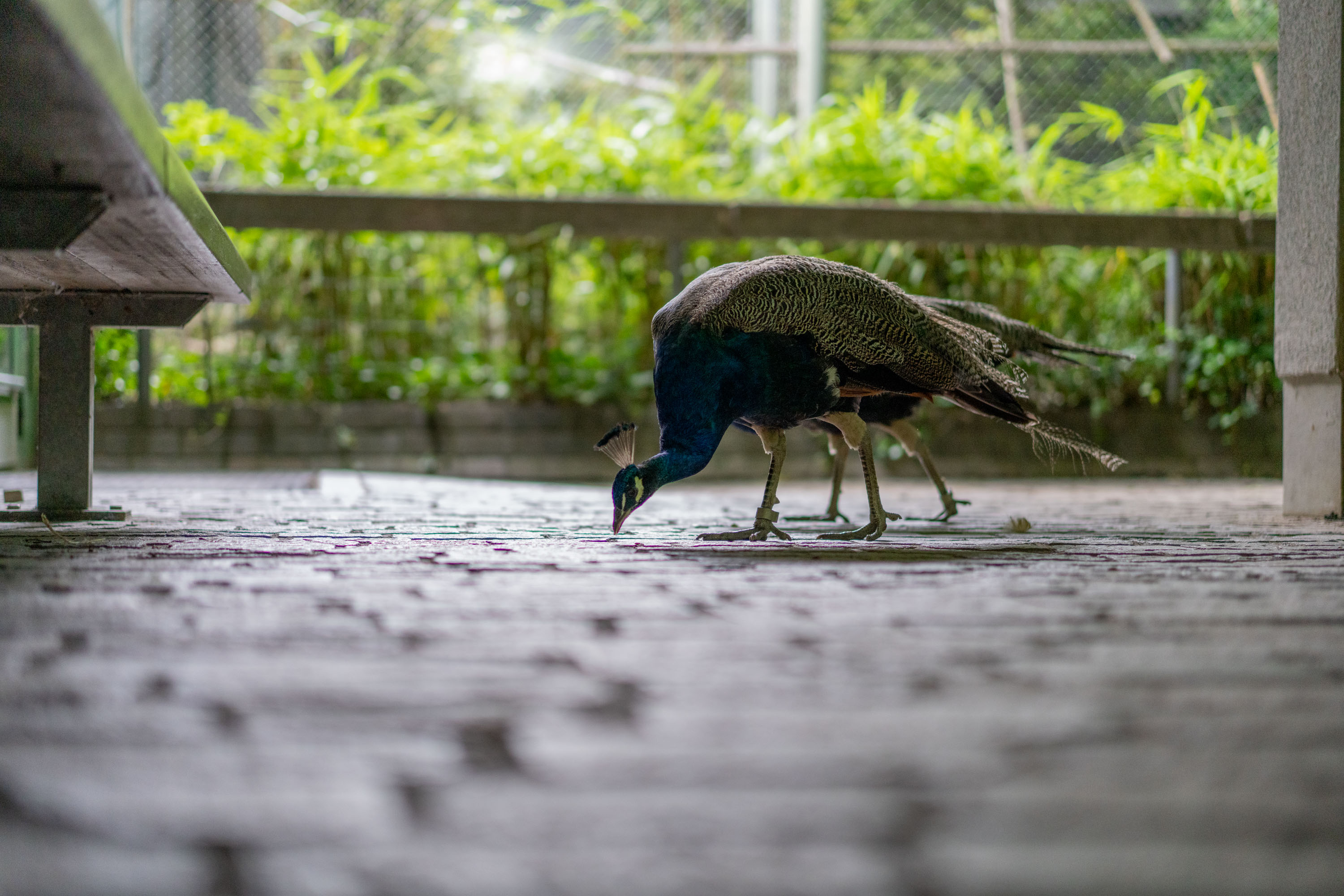
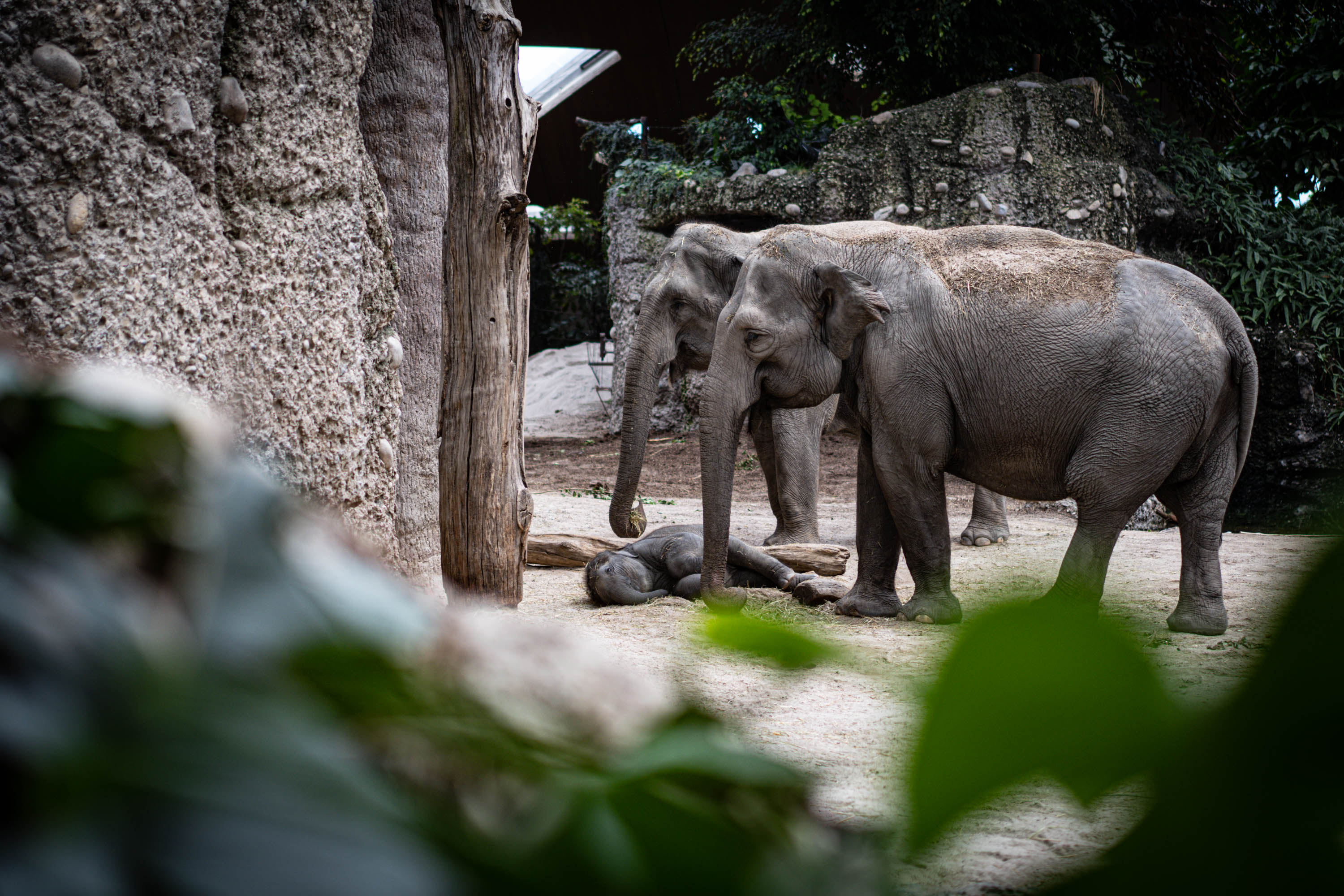
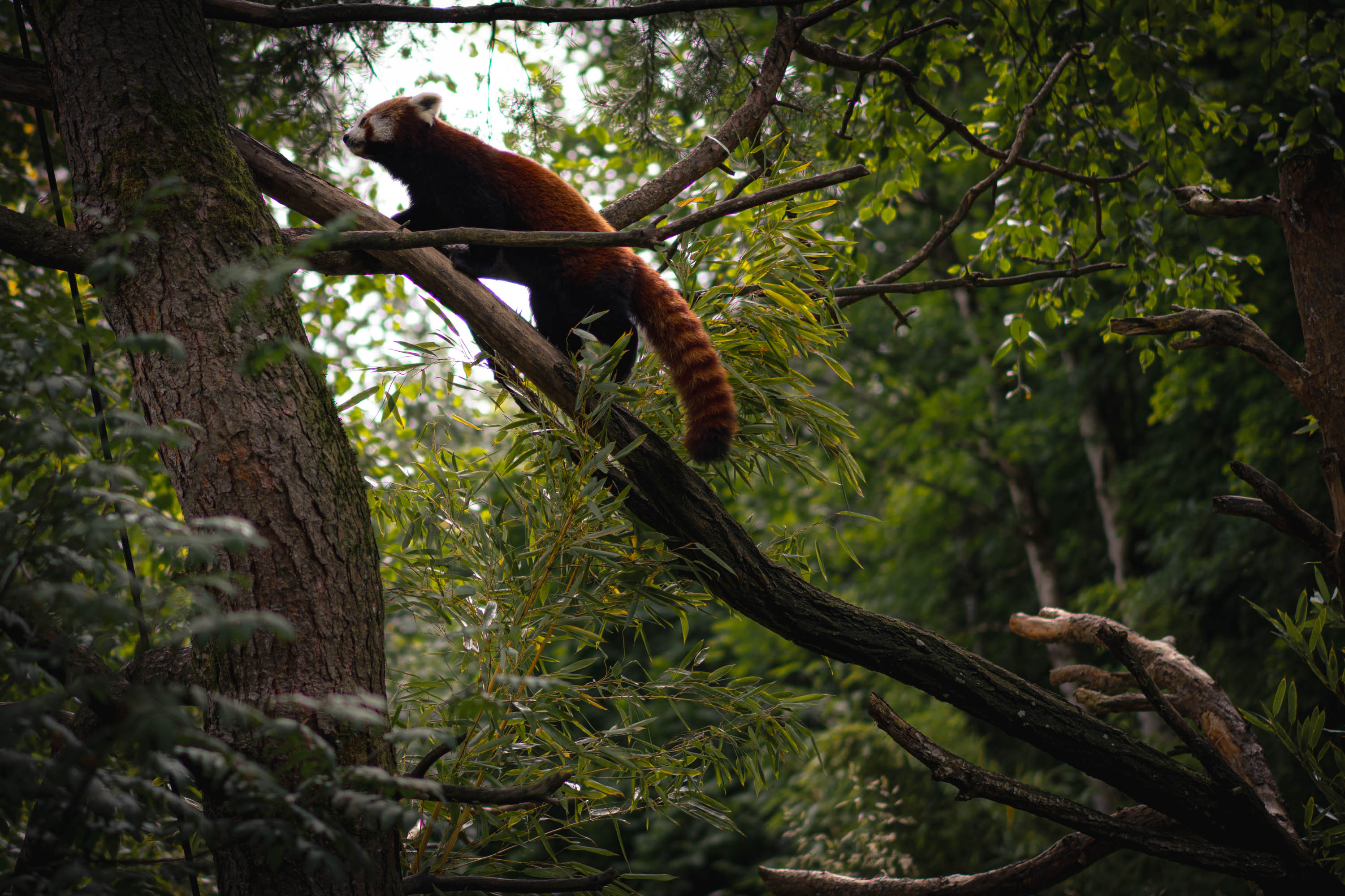
<p>Thanks for dropping by!</p>]]></content><author><name></name></author><category term="blog" /><category term="24mm" /><category term="lens" /><category term="japan" /><category term="iriomote" /><category term="ishigaki" /><category term="okinawa" /><category term="tokyo" /><summary type="html"><![CDATA[The 24mm is often dismissed as too normal—too close to what a phone can do. But with the right lens, it’s anything but boring.]]></summary></entry><entry><title type="html">August Update</title><link href="https://kuroshi.net/blog/2025/08/21/august-update.html" rel="alternate" type="text/html" title="August Update" /><published>2025-08-21T00:00:00+00:00</published><updated>2025-08-21T00:00:00+00:00</updated><id>https://kuroshi.net/blog/2025/08/21/august-update</id><content type="html" xml:base="https://kuroshi.net/blog/2025/08/21/august-update.html"><![CDATA[<p>My brother and his family visited in August, so most photos won’t be shared here to respect privacy, especially that of children. It’s 2025, and the internet becomes an increasingly isolated and darker place, in stark contrast to the freedom I recall of 2000s - 2020.</p>

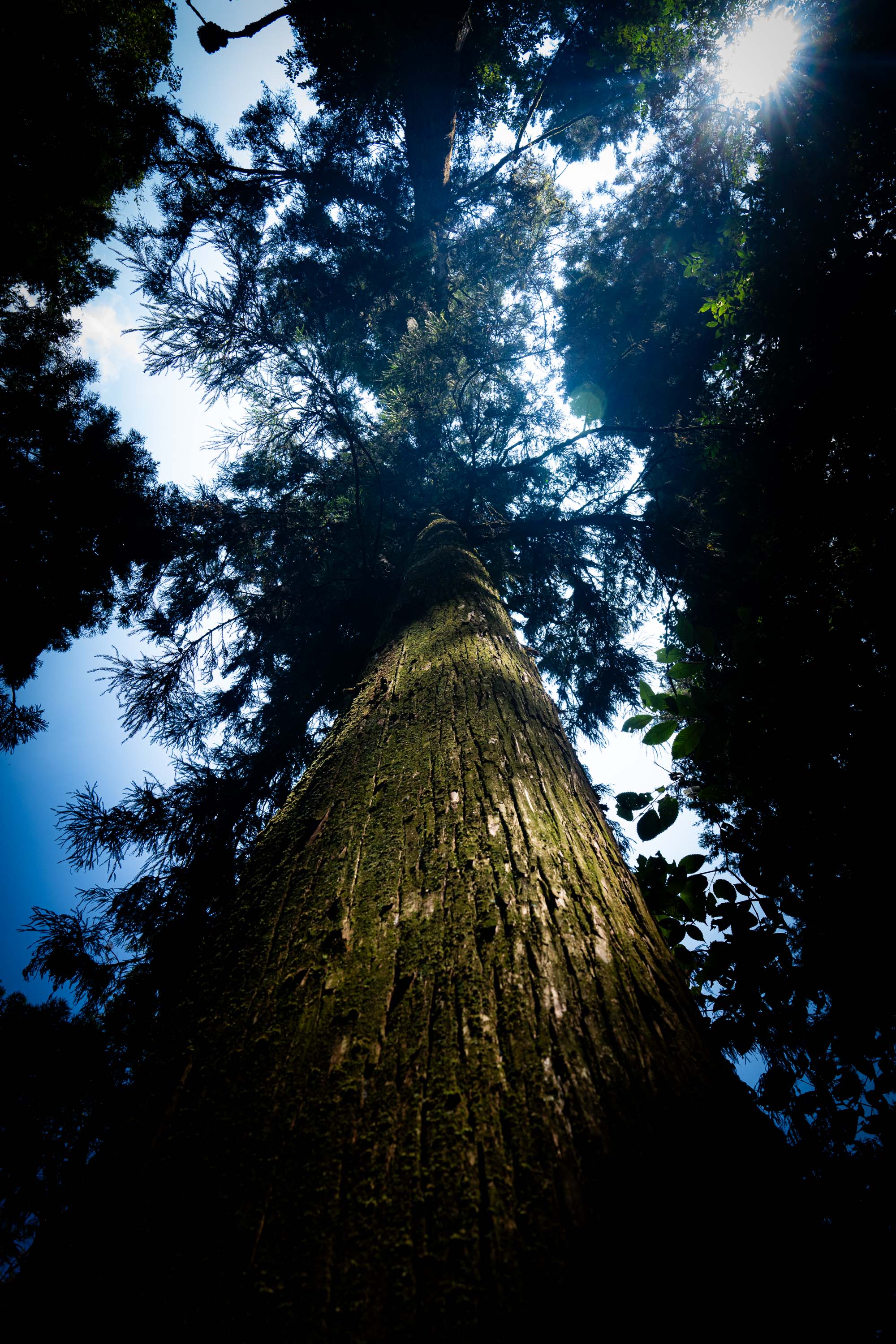
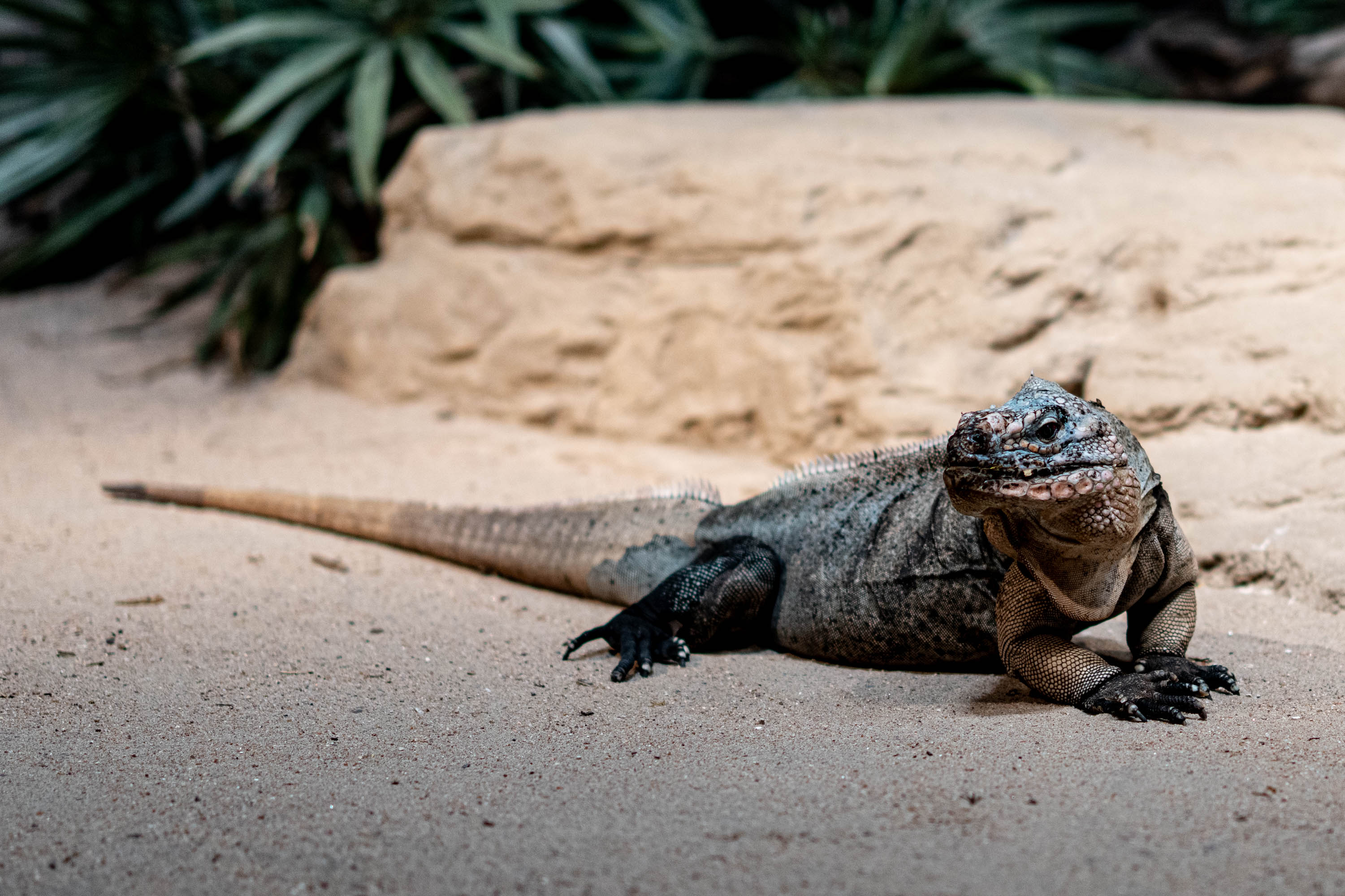
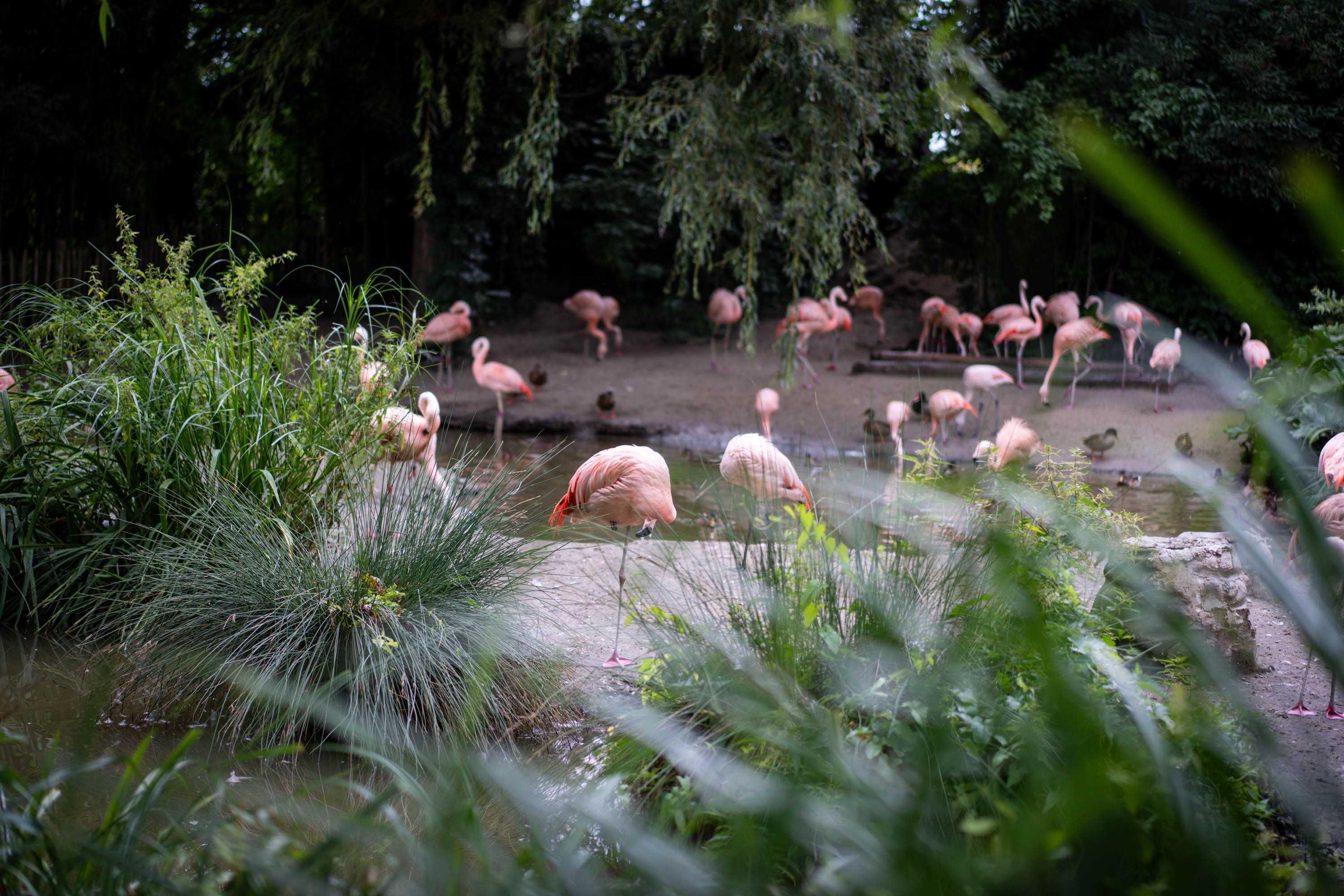
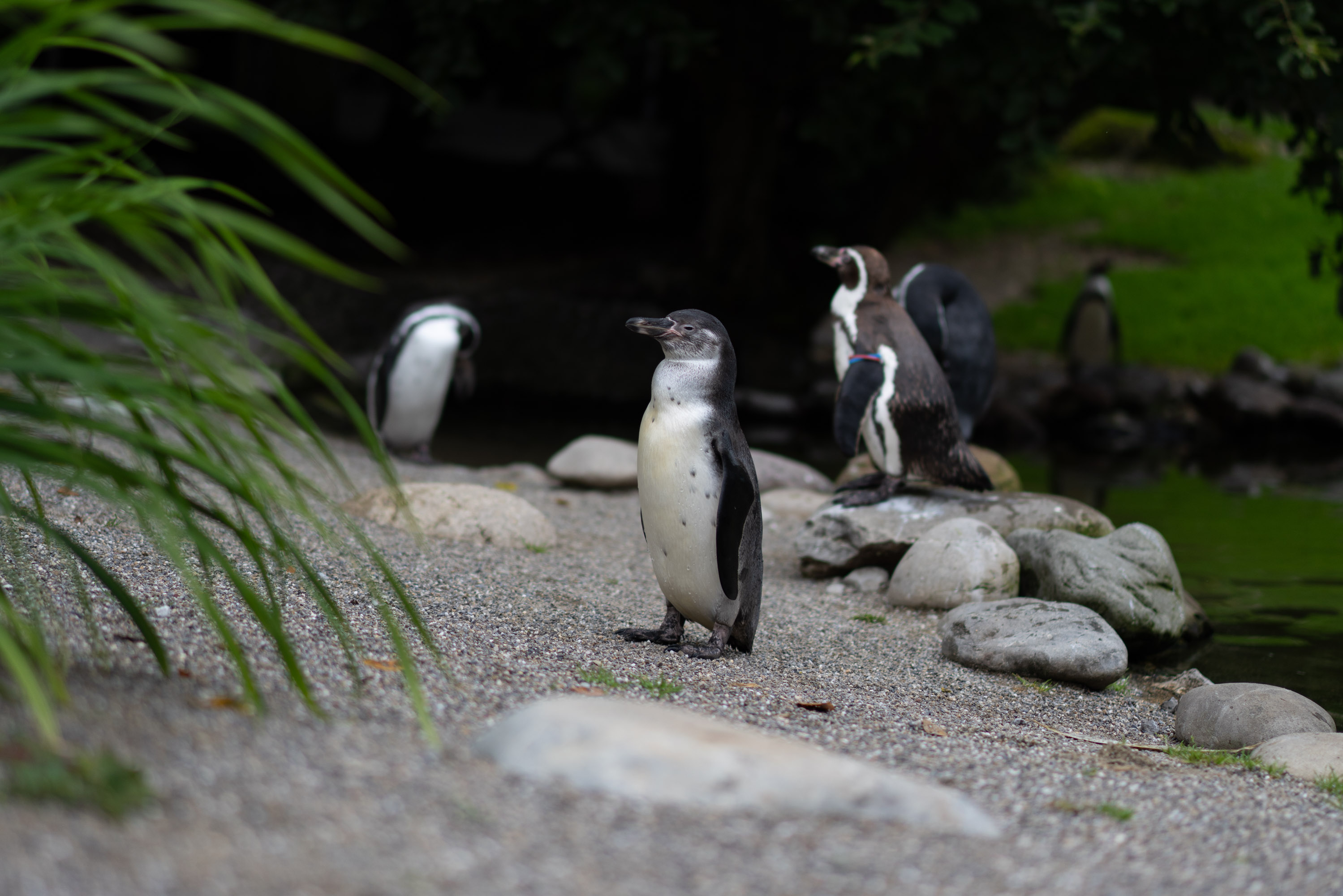
<p>In any case, I have a major update in a life achievement: I’ve now learned 2300 Kanji! I will write this up properly, as there isn’t time now, but wanted to share this huge milestone.</p>

<figure class="half ">
  
    
      <a href="/assets/images/7CR08443_20250804.jpg" title="Iguana">
          <img src="/assets/images/7CR08443_20250804.jpg" alt="" />
      </a>


      <a href="/assets/images/7CR08325_20250804.jpg" title="Flamingo">
          <img src="/assets/images/7CR08325_20250804.jpg" alt="" />
      </a>


      <a href="/assets/images/7CR08323_20250804.jpg" title="Penguin">
          <img src="/assets/images/7CR08323_20250804.jpg" alt="" />
      </a>


      <a href="/assets/images/7CR08426_20250804.jpg" title="Peacock">
          <img src="/assets/images/7CR08426_20250804.jpg" alt="" />
      </a>


      <a href="/assets/images/7CR08335_20250804.jpg" title="Elephant">
          <img src="/assets/images/7CR08335_20250804.jpg" alt="" />
      </a>


      <a href="/assets/images/7CR08383_20250804.jpg" title="Red Panda">
          <img src="/assets/images/7CR08383_20250804.jpg" alt="" />
      </a>


    <figcaption>Photos from August; click for larger
</figcaption>
  
</figure>

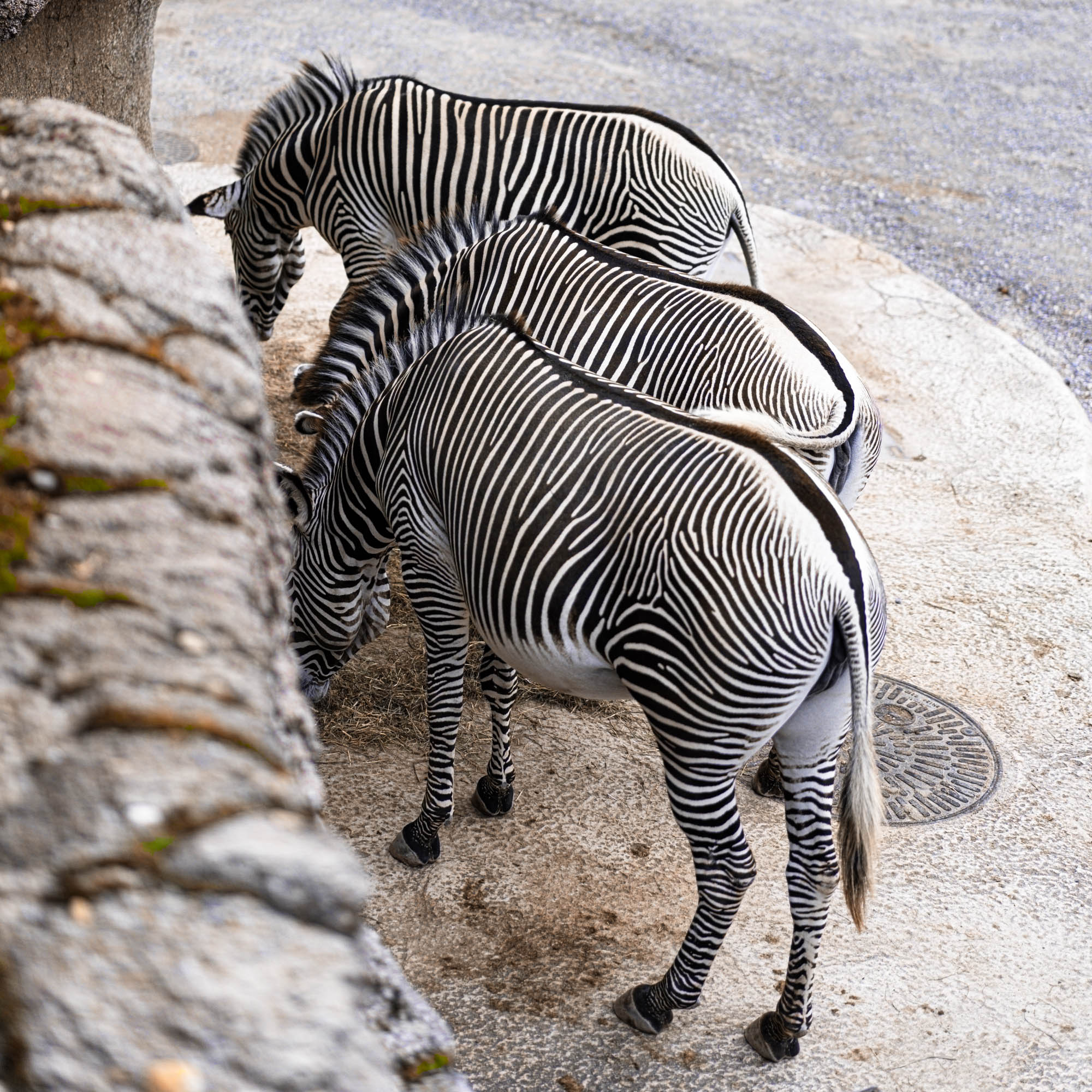
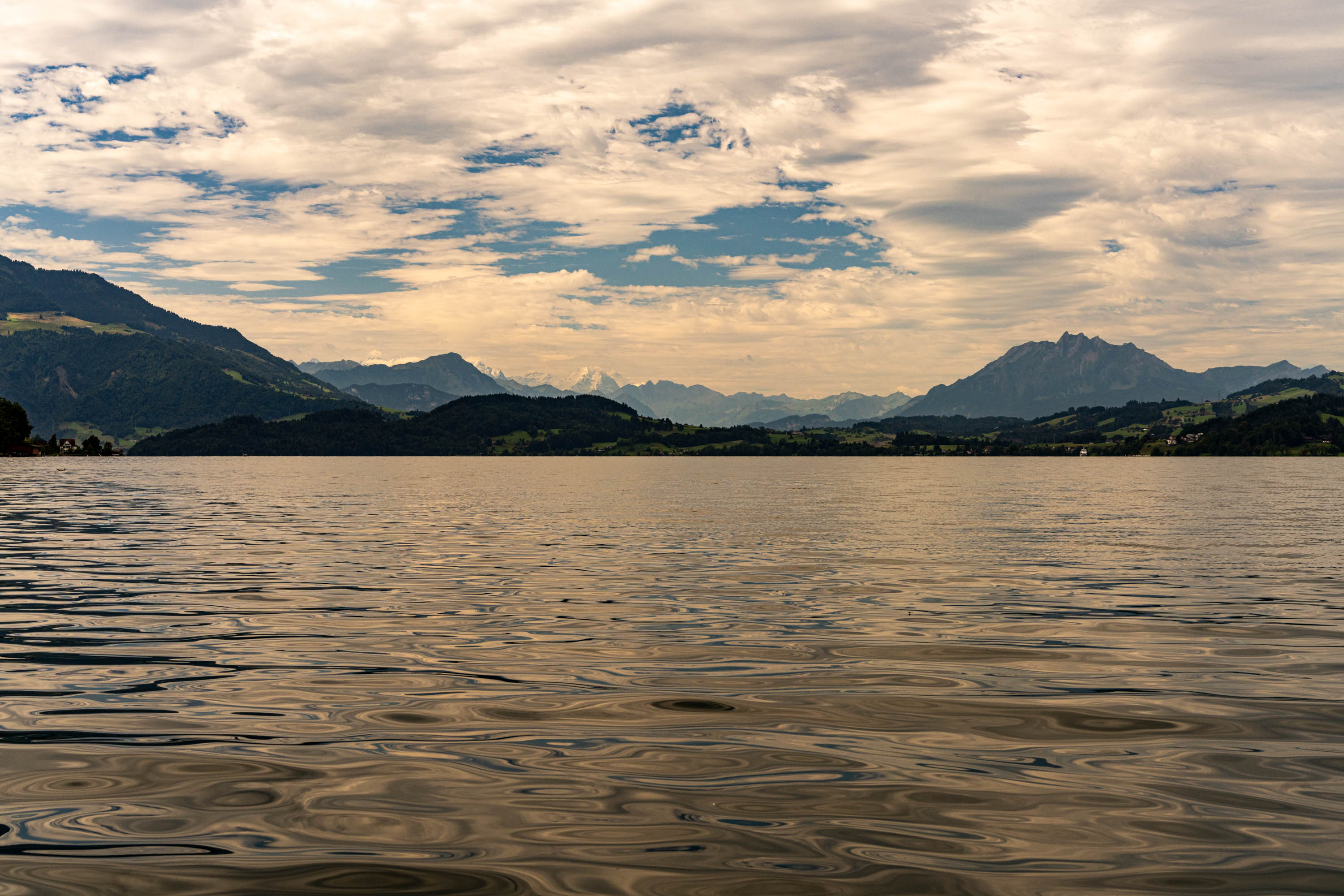
<p><img src="/assets/images/7CR08340_20250804.jpg" alt="Zebra" /></p>

<p><img src="/assets/images/7CR08476_20250805.jpg" alt="Lake Zug" /></p>]]></content><author><name></name></author><category term="blog" /><category term="Switzerland" /><category term="Zoo" /><category term="animals" /><category term="lake" /><category term="kanji" /><summary type="html"><![CDATA[Visited the Zoo. Learned 2300 Kanji in under 6 months.]]></summary></entry></feed>